Literacy and Anti-Bullying

I recently learned about Literacy Shed during a tech conference. It’s a free website that holds a collection of themed videos that can lead to powerful discussions and writing in your classroom.

It can be found here https://www.literacyshed.com/home.html. Pick your video, create your discussion questions, and go!

I did one for “For the Birds” that can be found under the “Anti-Bullying” Shed. It can also be found on Youtube because it’s a Pixar short film. We watched the film twice. Once to watch it, and once to really pay attention in order to answer the discussion questions. My students worked in groups to complete these questions.

Here is the video on Literacy Shed.


Here is the editable discussion sheet to go with it.
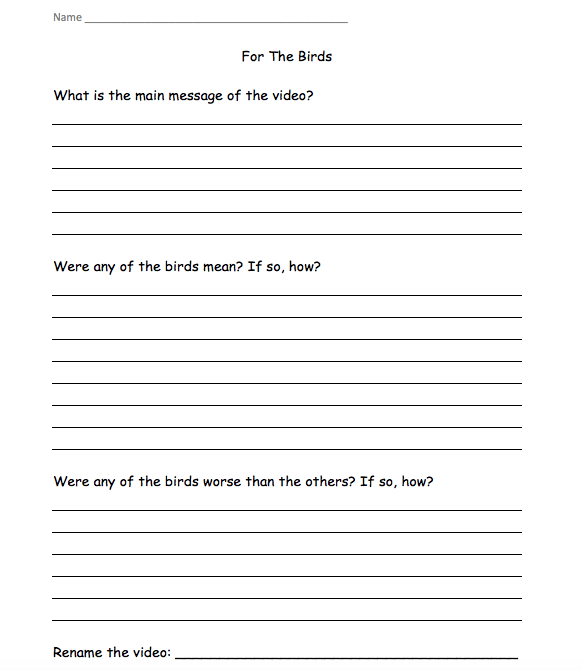
Screen Shot 2018-07-08 at 3.29.36 PM.png

We also have a Kindness Catcher in my classroom where students put compliments to other students, and we share them with each other. Students love compliments, and they love even more getting them from each other and giving them to each other. If you need more positivity in your classroom, this is an easy way to add it! I use a dollar store bin and label it “Kindness Catcher” with a shipping label. You can create the papers for compliments. When you do, just make sure students have to put their names and the other students’ names on the papers for accountability. Mine just have a smiley face and a to: and from: with a large space for writing. For kindergarten, you can pre-make compliments that students can give to other students.
End of the Year and SSR

This year was my second year teaching second grade, and the end of the year is always a time of mixed feelings and craziness. Hence forth, why I’m finally blogging and it’s July! Oh well! This year was even more mixed, as I am moving to new district and a new grade. Say hello to a new 5th grade ELA teacher! Keep reading in the next month to learn about the transition of cleaning out my room (it’s all in my parents’ basement right now…thanks Mom and Dad!), moving into a new room, and my scholastic shopping adventure for books other than Magic TreeHouse and Arthur. I’m so excited, but I wanted to share some of our end of the year activities I did with second grade.

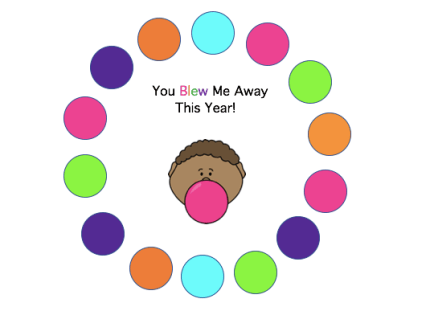
Here’s what I gave my students at the end of this year. Screen Shot 2018-07-08 at 2.43.46 PM.png

You can find a variety of free versions of this here. The cute bubble gum kids are by MyCuteGraphics.com operated by Whimsy Clips L.L.C.

Here are some other end of the year activities and field day activities that we did too.

TPT1

TPT2

TPT 3– Field Day

TPT4

There are a ton of end of the year fun activities and packets online, and my kiddos love them!

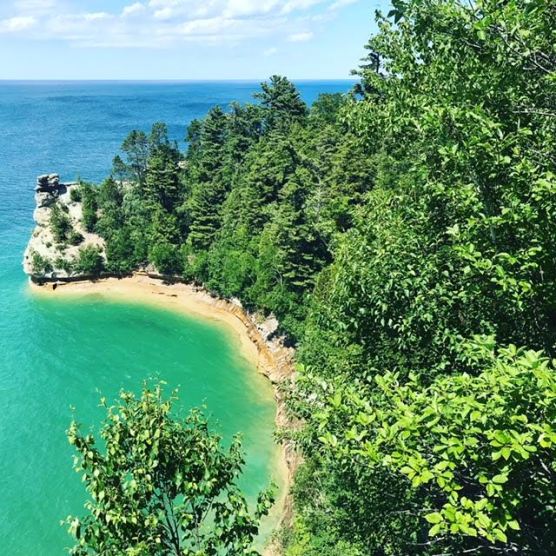
So, as you saw SSR in the title. It’s not Sustained Silent Reading, although we should all be doing plenty of that this summer! I’m talking about summertime stress relief! Here’s a picture to help take some stress away from my camping trip this week to Pictured Rocks in Munising, MI. I also always put a fake bonfire on a ChromeCast and light a bonfire smell candle. If you have never done this while working, you need to! Or put a river or aquarium or nature up! It’s one way I’ve learned to de-stress this crazy year. Also, massages. Just massages. And lots of them.

unnamed.jpg

Thanks for reading as always,

Emily


STEM: Surviving Teaching to the End of May.

This year has been a whirlwind for me. It was my second year teaching, and I had the most wonderful challenges in my classroom. I learned a lot, and I am still chugging away to make this year a memorable one for all my little learners!

At the end of the year in second grade, we do a lot of projects. It keeps the students busy, engaged, and learning all the way up through June. I save the last quarter of science for our STEM units. Students solve challenging issues such as erosion or bridges as engineers  with small models.

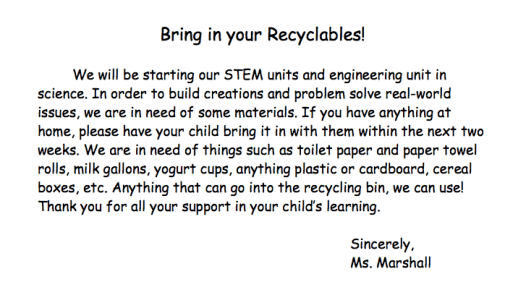
I ask for donations of any household recyclable materials to help us with our STEM projects. I get donations from both classes that I teach, so I always have a huge pile. Finding room to store all the materials is the hardest part!

Screen Shot 2018-04-12 at 10.34.14 PM

This week we learned about engineers and did a STEM project with a worm named Fred. See below for where I found the lessons and how I used them… FREE on TPT.

Download the Fred STEM lesson here for FREE. The kids had a blast and rated it as challenging and fun. As a teacher, that’s a win! We had a blast. Some of us decided that stabbing Fred with the paperclip helped us pick him up. I showed students how to hook him instead, so we don’t hurt Fred. The students decided that a couple Freds needed to have stitches, and one Fred “had a punctured lung and died.” R.I.P. Fred. The good news is all our Freds were rescued from their capsized boats and survived long enough to make it to the gummy worm hospital.

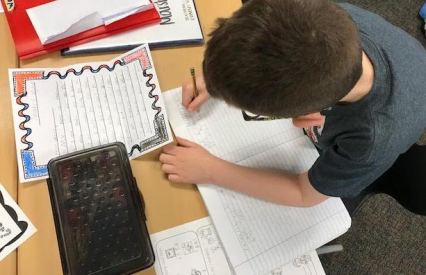
Before we did the FRED activity, we learned what engineers do and the design process. I passed out this free worksheet for students to record notes on while watching these two YouTube videos, Video 1 and Video 2 about engineers and what they do. Then students shared what they wrote to create a class copy on the ELMO. Students who didn’t write anything or struggled can see what others wrote and write on their papers.

Once we were done with that activity, students created flip books about the engineering design process found here. We left page 3 blank. Students will use the flip book and page 3 for future projects.

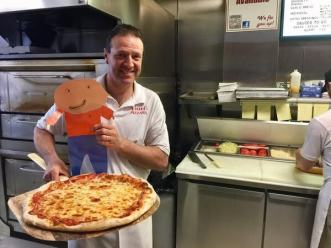
Once they understood the design process, they were ready to design a solution for our gummy friend Fred who had his boat flipped over with his life jacket inside it. Students were able to design a solution to helping Fred get his lifesaver (which was also gummy) and flip his boat back over. As you can tell from the pictures, we had a lot of fun with it! It was a great introduction lesson for STEM and for engineering. We did it over two days. Engineering the first day and Fred the second day.

If you’d like to continue to follow us throughout our STEM unit, follow me on Instagram at teacher_station, too. Pictures will also be loaded there. We have robots coming in May too!

What fun STEM projects do you do?

Connections Around the World: Writing Letters Using Pen Pals and Flat Stanley

This week we had two exciting things happen in our classroom! We received four Flat Stanleys back in the mail, and our pen pal letters came! I told the students that I had a surprise for them and that it would come this week. They didn’t know we were doing Pen Pals, and when I told them and they got their letters, they were ecstatic! We are currently writing back to our Pen Pals, and students who received their Stanleys were eager to present.

We are getting to know some amazing third graders in Maryland. The project not only helps us learn how to write letters, but also geography! There are a lot of ways you can connect to others, especially if you are a new teacher. Join twitter chats, join Facebook groups, and connect to those who you graduated with! Our pen pal classroom is taught by someone I went to school with, and we love learning together! Currently, we are exploring using Google Classroom, Flipgrid, Skype, or another means of technology to “meet each other”. If you do this with other classrooms, comment below what you do!

unnamed-7

This is the second year I’ve done Flat Stanley in second grade. The students’ faces light up when they get them back in the mail. This year I utilized a Facebook group of teachers to send Stanleys to for those students who didn’t have anyone to send them too, and it’s worked out great! We had some go all the way to California! Last year, we had one go to Africa, and it led to all my students wanting to adopt an endangered animal.

unnamed

This year one of my students from last year saw a teepee in my room that students can read in, and she said “Hey! That’s like from where my Stanley went.” I sent her Stanley to a friend’s school where he sent a picture of a teepee back from his area with lots of of pictures. He worked with Native Americans. She remembered it from last year and made a lasting connection! The best part is the students get to keep the materials for life. We’ve had lots of things mailed to us last year and this year that taught us so much that we couldn’t learn without reaching beyond the walls of the classroom.


So my advice to you is…

  • Make connections to anyone and everyone in your classes if you are going to be a teacher. I’ve sent Flat Stanleys and reached out to multiple teachers I graduated with, and it’s made us better teachers!
  • If you are already a teacher, join Twitter chats and Facebook groups because you don’t know who you’ll meet along the way.
  • Continue to want to grow and be the best teacher you can be, and make friends along the way!

Teaching with Tech

It’s my second year teaching, so with that, I’ve been trying to incorporate a lot more technology in the classroom and help others integrate it also. This year we started using a new social emotional curriculum. I make videos weekly of the cooperative challenges our whole school shares. I use different students from different classrooms to create a cooperative culture throughout our school.

Using iMovie, I am able to easily design trailers and movies to share with students, classrooms, and parents. This week I presented two of my favorites to the board of education (see below).

One thing to remember when you use tech is that students almost always have good ideas, and they have been using the technology since they were young. However, just because they started at a young age doesn’t mean they understand safety on the internet and everything that comes along with computers, so you still have to model, tell them how to be safe, and help them practice!

The videos below show students’ own ideas and design thinking. They are creative and compassionate individuals!


Here is another one:


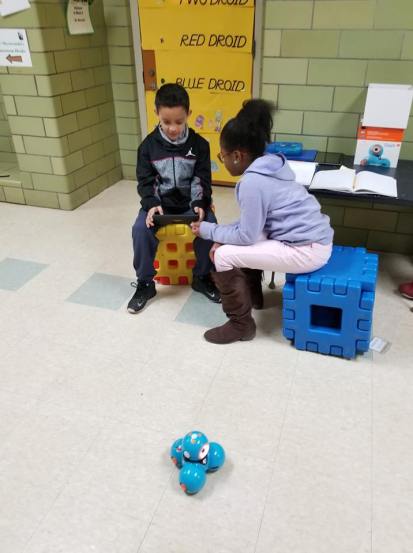
Also, today we worked on our Passion Projects. If you haven’t read my last blog about them, you should! The kids absolutely love doing them, and they are so much fun. I have three students researching different aspects about robots, and today our tech coach media specialist was able to stop by and show my kids how to code a robot. This is my favorite time of year. The students really grow and that growth becomes so apparent, especially as we start to do a lot of projects! This week they have learned about robots, volcanos, dance, dinosaurs, lotion, phones, football, and more! They’ve learned how to use google slides and google classroom, along with search engines that are kid-friendly and Symbaloo. I really am so proud of them!!

29570326_1908132646164816_8001576856328213758_n